Capturing things
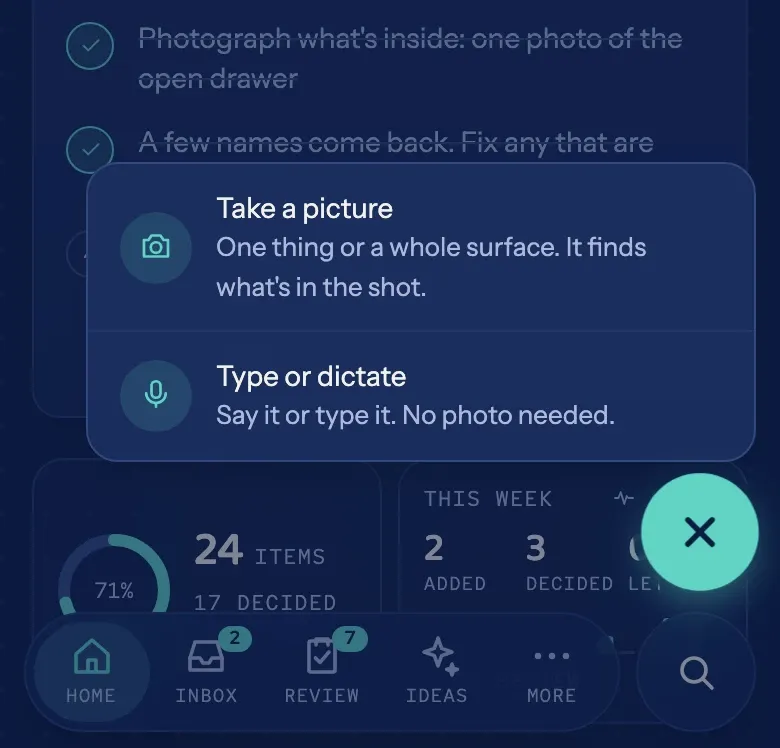
The + button is everywhere in Placeful, and it offers two lanes: photograph a thing, or say it in words.
With the camera
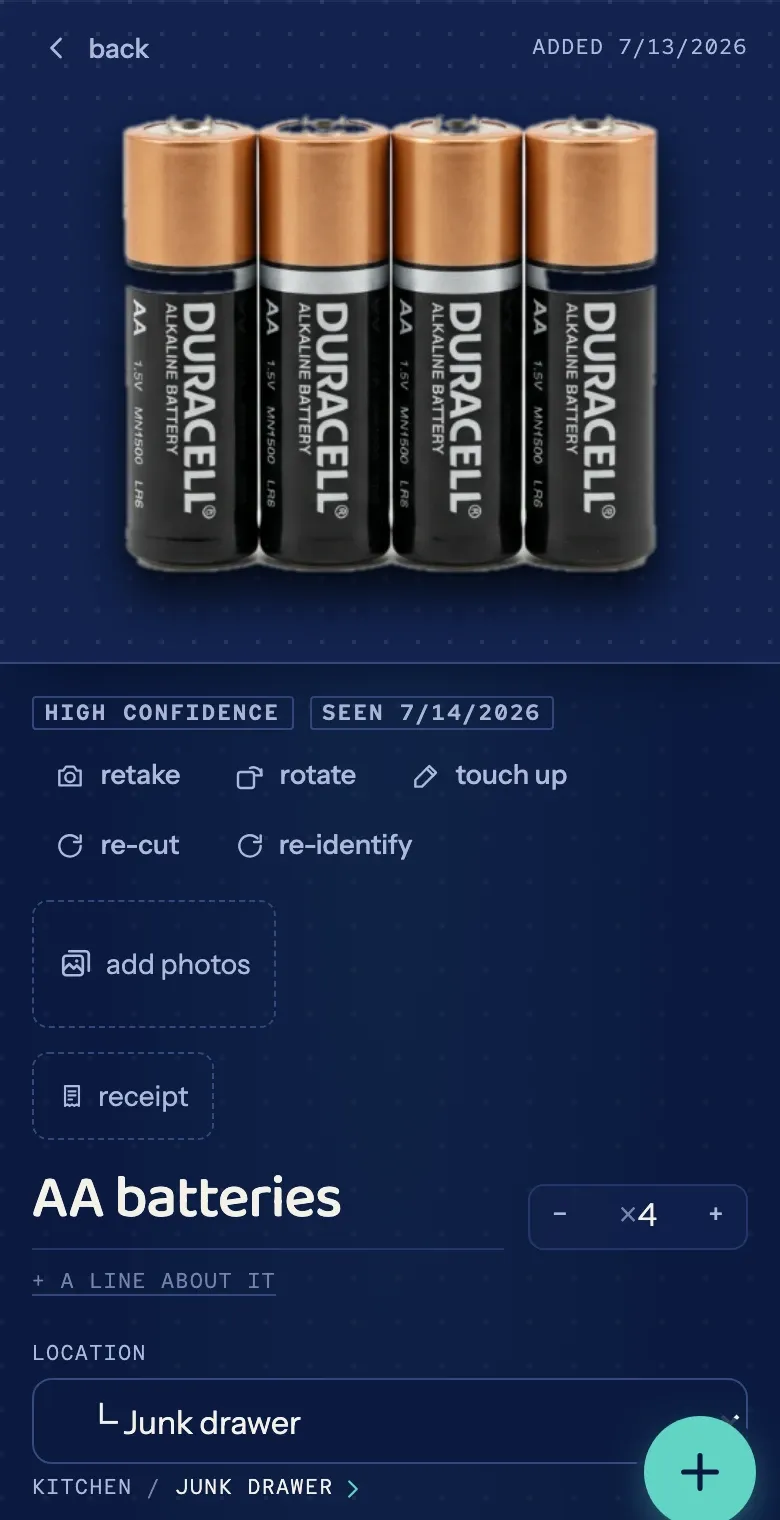
Section titled “With the camera”Photograph one thing, or several at once. One photo of an open drawer can become a card for each thing inside. Each card keeps its photo and gets a cutout of the object; if the cutout fails, the photo stands in and you can re-cut it on the item. Names and details fill in as suggestions you can fix.
In words
Section titled “In words”No photo handy, or the thing is in another room? Choose the type-or-dictate lane and describe it. Dictation keeps up with a list: say “next item” between things and each becomes its own entry.
Word-only captures wait under Needs a photo (in the More menu) until you add a real picture.
From your pocket
Section titled “From your pocket”On iOS, a shortcut for the Action Button photographs a thing and sends it to Placeful without opening the app. Setup is three short steps; see Action Button capture.
Scanned something twice?
Section titled “Scanned something twice?”It happens. The Doubles screen (under More) surfaces likely duplicates so you can tidy them up and move on.