Finding things
Search
Section titled “Search”The round search button sits in the corner of the navigation. Tap it and type the word you would say out loud; the keyboard rises immediately. There is a microphone in the search field if speaking is faster than typing.
The answer to a search is a place. Placeful shows the matching things and where each one lives, so the trail ends at a real drawer instead of a guess.
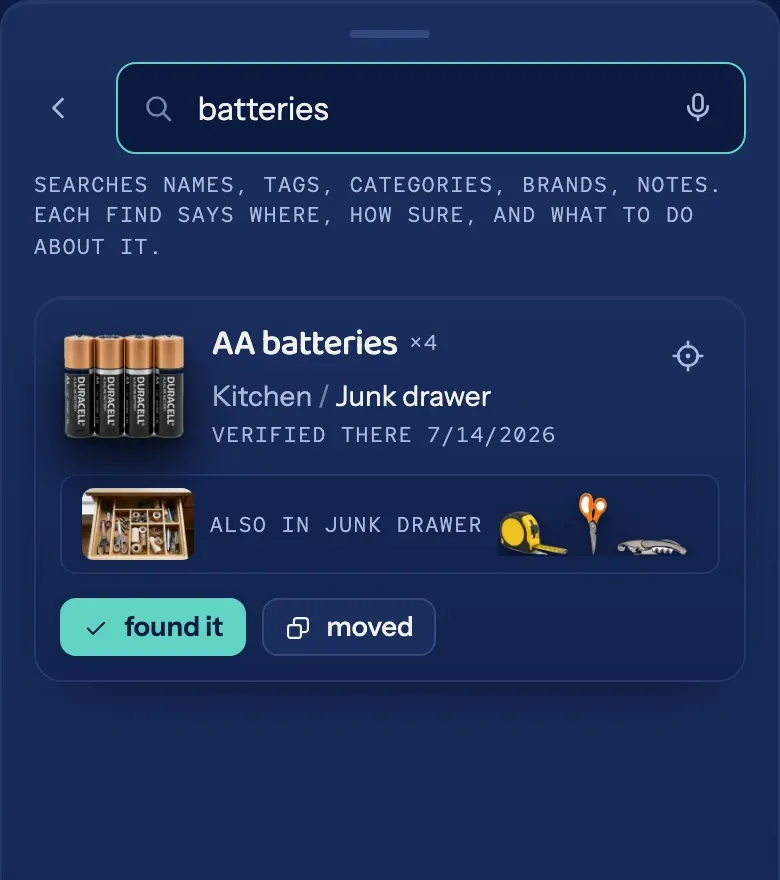
The clip is silent: a search for batteries, answered by the junk drawer.
Browsing
Section titled “Browsing”Your things can be viewed three ways, switchable from the view control:
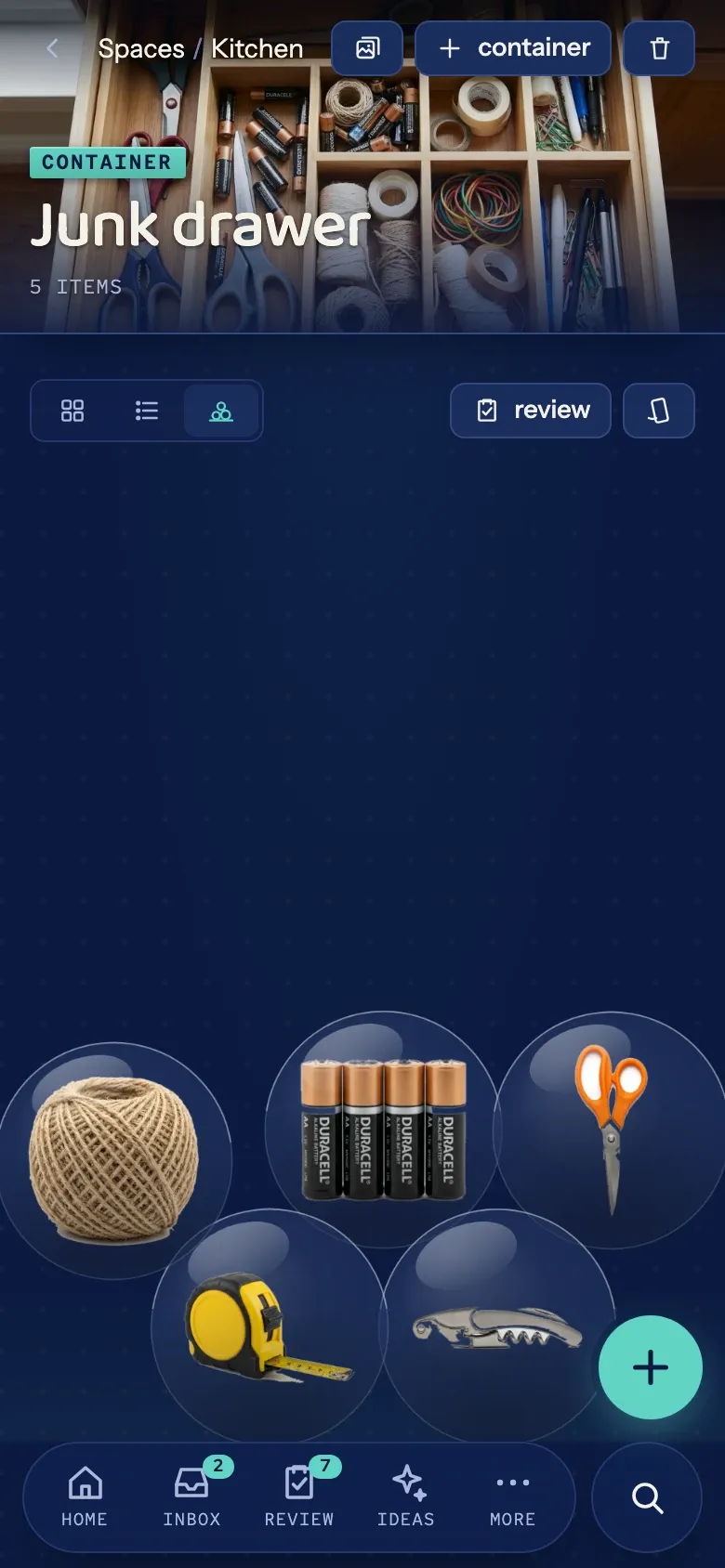
- Grid shows the cutouts as tiles.
- List is compact and fast to scan.
- Pile drops everything into a physics pile you can push around, purely because it is fun.